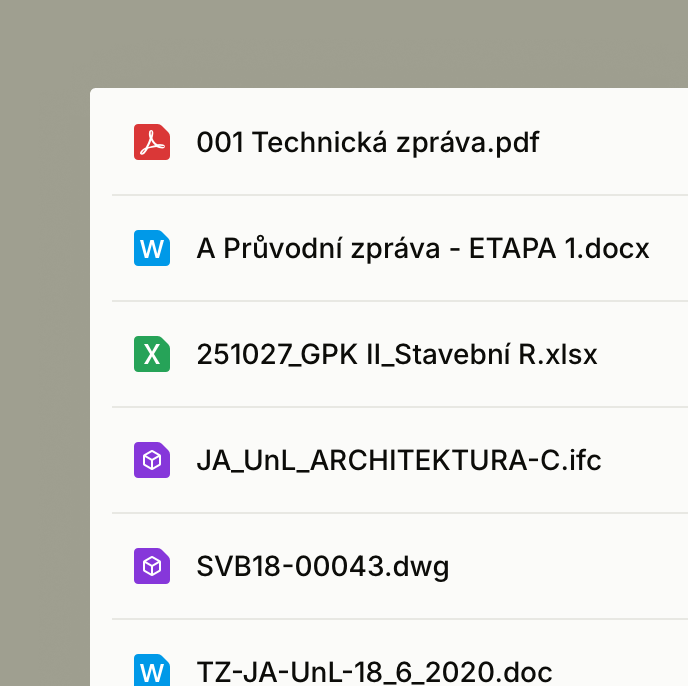
Document processing
Alto reads technical reports, drawings, budgets and BIM files, then turns them into project context that can be searched, compared and checked quickly.


12.5%
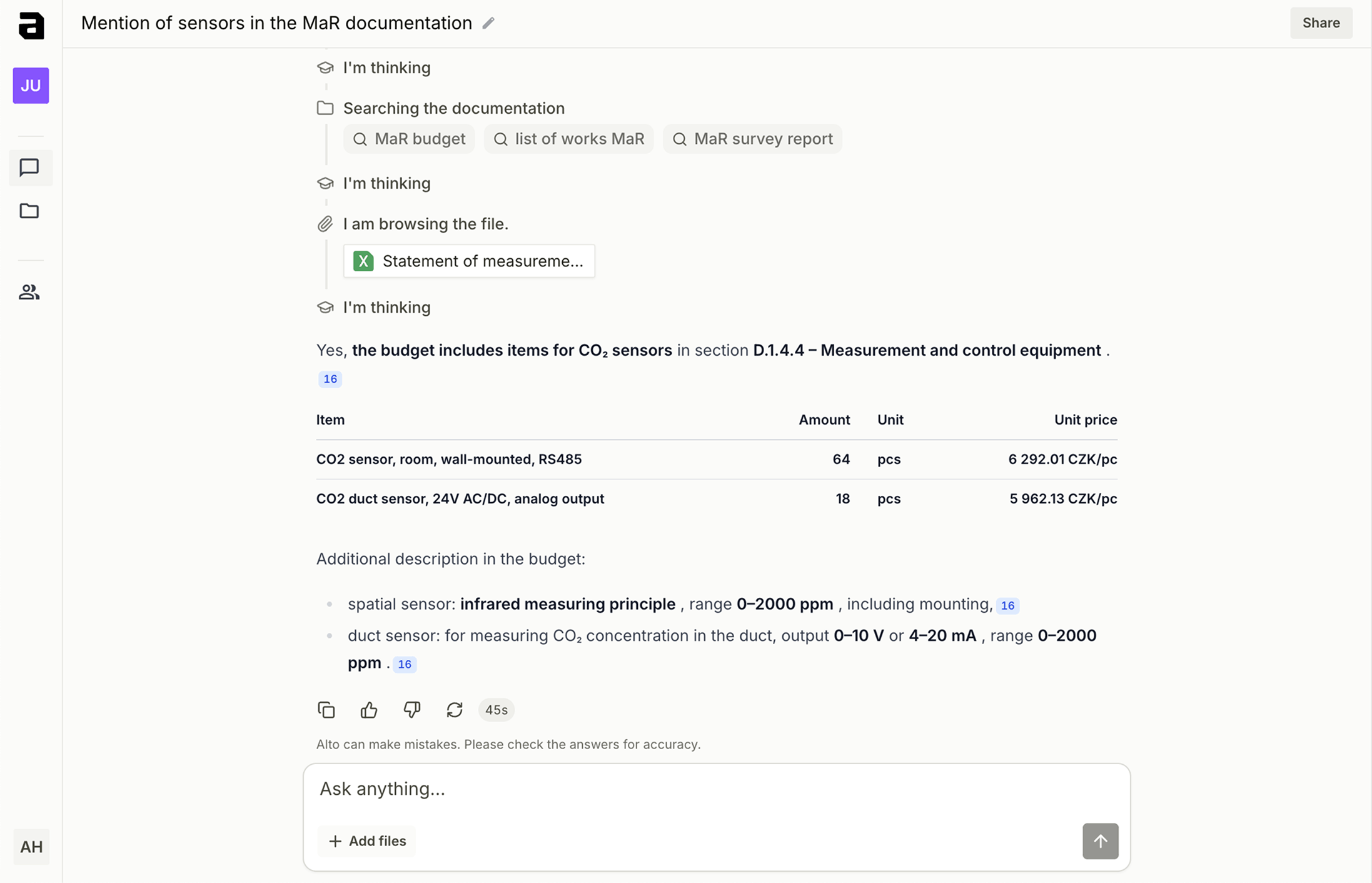
Searching for project data and information
9.9%
Resolving mistakes and claims
11.2%
Resolving conflicts
Source: Construction Disconnected Report (2018)
Alto reads technical reports, drawings, budgets and BIM files, then turns them into project context that can be searched, compared and checked quickly.
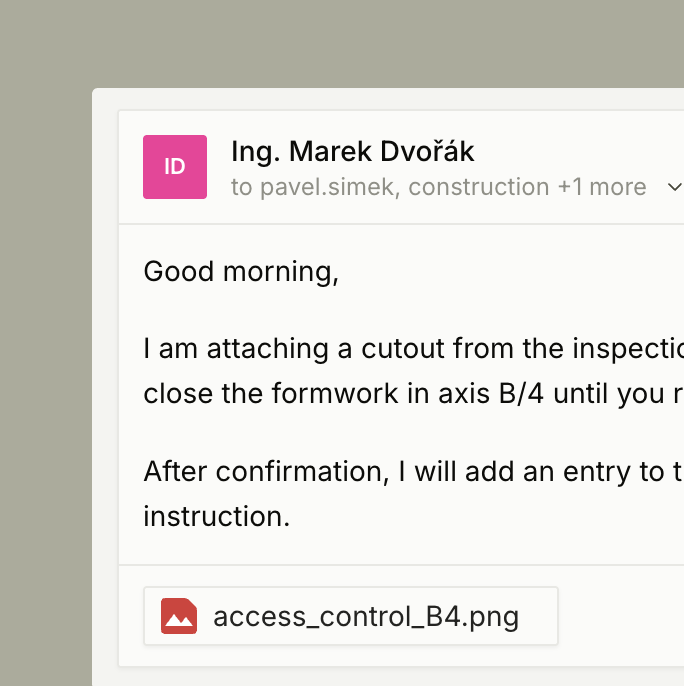
Forward project emails into Alto. The assistant connects them with files and budgets, so decisions, changes and requests do not stay buried in inboxes.
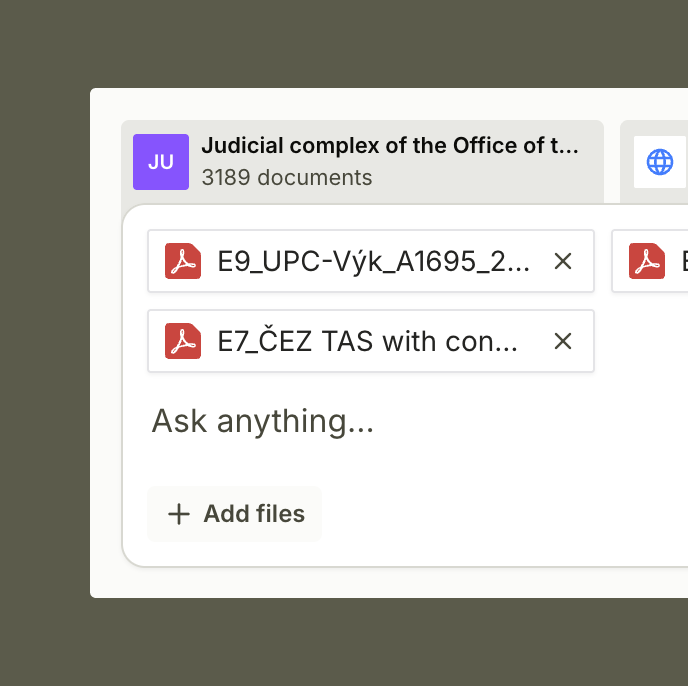
The AI assistant answers questions over project data, finds sources and helps uncover inconsistencies between documents, budgets, drawings and communication.
Alto searches technical reports, specifications and other text documents at once. Instead of manual lookup, you get an answer assembled from the relevant parts of the documentation.
Every answer shows which documents it is based on. Your team can quickly verify the source, page and context behind a specific question.
Find items, units, quantities and notes in budgets and bills of quantities. Alto helps compare them with other project materials and spot differences quickly.
For drawings, Alto helps find assemblies, details, labels and technical relationships. Answers connect the drawing with text documents and budgets.
Models and related documents stay in one project context. The assistant helps find elements, rooms and relationships that would otherwise remain separated.
Connect project communication to the documentation. Alto then finds decisions, change requests and answers that would otherwise be scattered across emails.
Save repeated checks and questions as prepared workflows. Teams work consistently without rewriting the same request every time.
When project data is not enough, the assistant can add context from the web. It helps verify suppliers, products, technical parameters and public information.
Company standards, templates, internal rules and historic materials are available alongside the project. The assistant can use them in answers and checks.
When a file changes, Alto updates the project context. Answers are based on the latest source material, not an old export or forgotten folder.
Fill in the form and our team will get in touch to schedule a short, no-obligation demo.
Key details about data security, pricing, AI models and pilot deployments.